[TIL] Spring Basics - Gradle and HTTP Basics
Gradle build automation system, source code compilation and executable result generation process
한국어 원문은 여기에서 볼 수 있습니다.
What I did today
- Spring introductory course
What I learned today
What is Gradle?
Gradle build automation system build: The process of turning written source code into executable results
- When building through Gradle, you can see that an executable .jar file has been created in the libs folder.
build.gradle Gradle-based build script
- Easily manage source code builds and library dependencies
- Planned to be written in Groovy language (can be written in Groovy or Kotlin)
- Write the necessary libraries for dependencies. -> Gradle downloads the relevant libraries from an external repository called Maven Repository.
- You can check the libraries imported by Gradle in the external library folder.
What is a server?
Network Technology that helps multiple computers and devices connect to each other to exchange information
- In order to exchange information with each other, information such as IP address, subnet mask, gateway, etc. is set and communication is performed using network protocols.
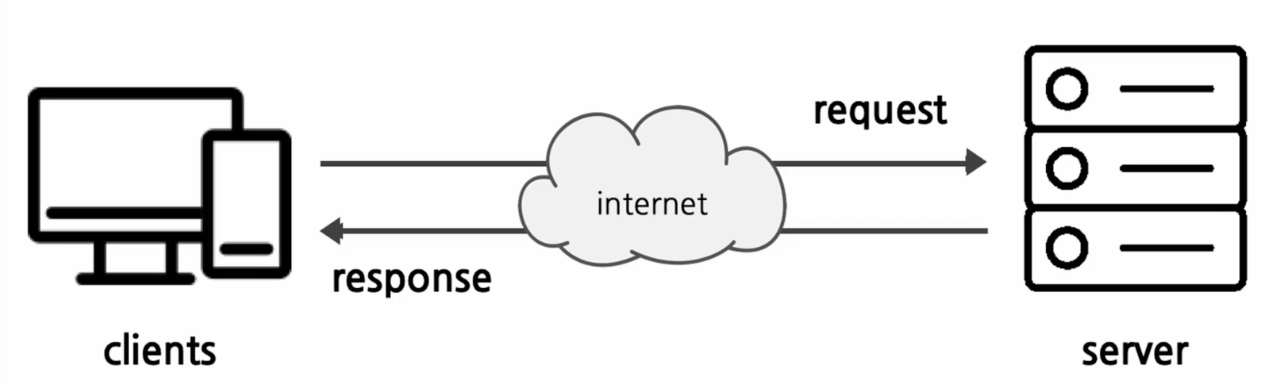
- User uses the browser to request information from** Server** and receive a response.
IP address Information provided to enable the user’s request to accurately reach the server
- Location address to identify a computer on a network ex) Courier: Address (IP) = 192.168.., Recipient (port) = 8080 (1 recipient among many people in the address = port)
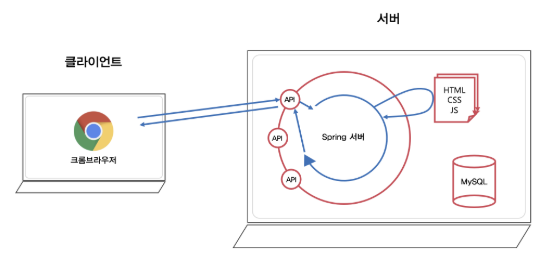
Web Server A type of computer that communicates through the Internet using HTTP to respond to requests from clients on the web
- When a page is requested by entering a URL in the browser, it accepts the HTTP request and delivers static content such as HTML documents to the user.
API (application programming interface) Defines the rules that must be followed to communicate with other software systems
- When different applications perform API requests in the promised manner, a specified result is returned. Interface: A point of contact or boundary when exchanging information or signals between two different systems or devices.
RESTful API (Representational State Transfer(REST)) Software architecture that imposes conditions on how the API behaves
- API following REST architectural style REST: Guidelines for managing communications in complex networks
- In simple terms, if the server’s API appropriately complies with http and is well designed, it is said to be designed to be RESTful.
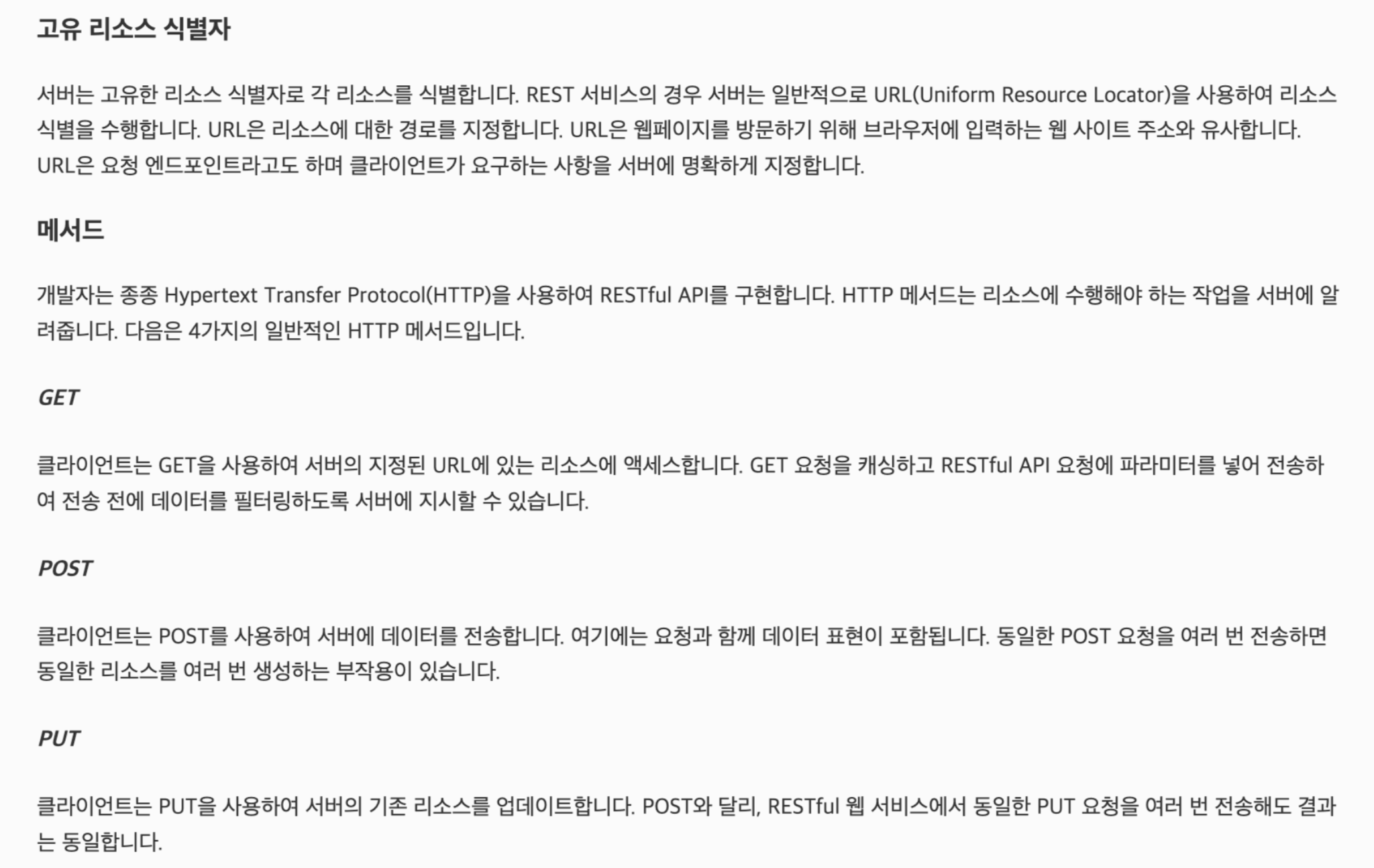
If you use the HTTP method as shown in the picture above appropriately for the relevant API, it can be said to have been designed to be RESTful.
- Two roles of Web Server
- Static content, which delivers already completed HTML-like documents to the browser.
- When a dynamic request such as ‘Log in and request MyPage’ comes from the browser, it is difficult for the web server itself to process it, so the request is** passed to WAS**.
WAS (Wep Application Server) ex) Apache, Nginx
- Operates based on HTTP, just like a web server
- Using WAS, you can run programs that perform various logic ex) Tomcat, JBoss
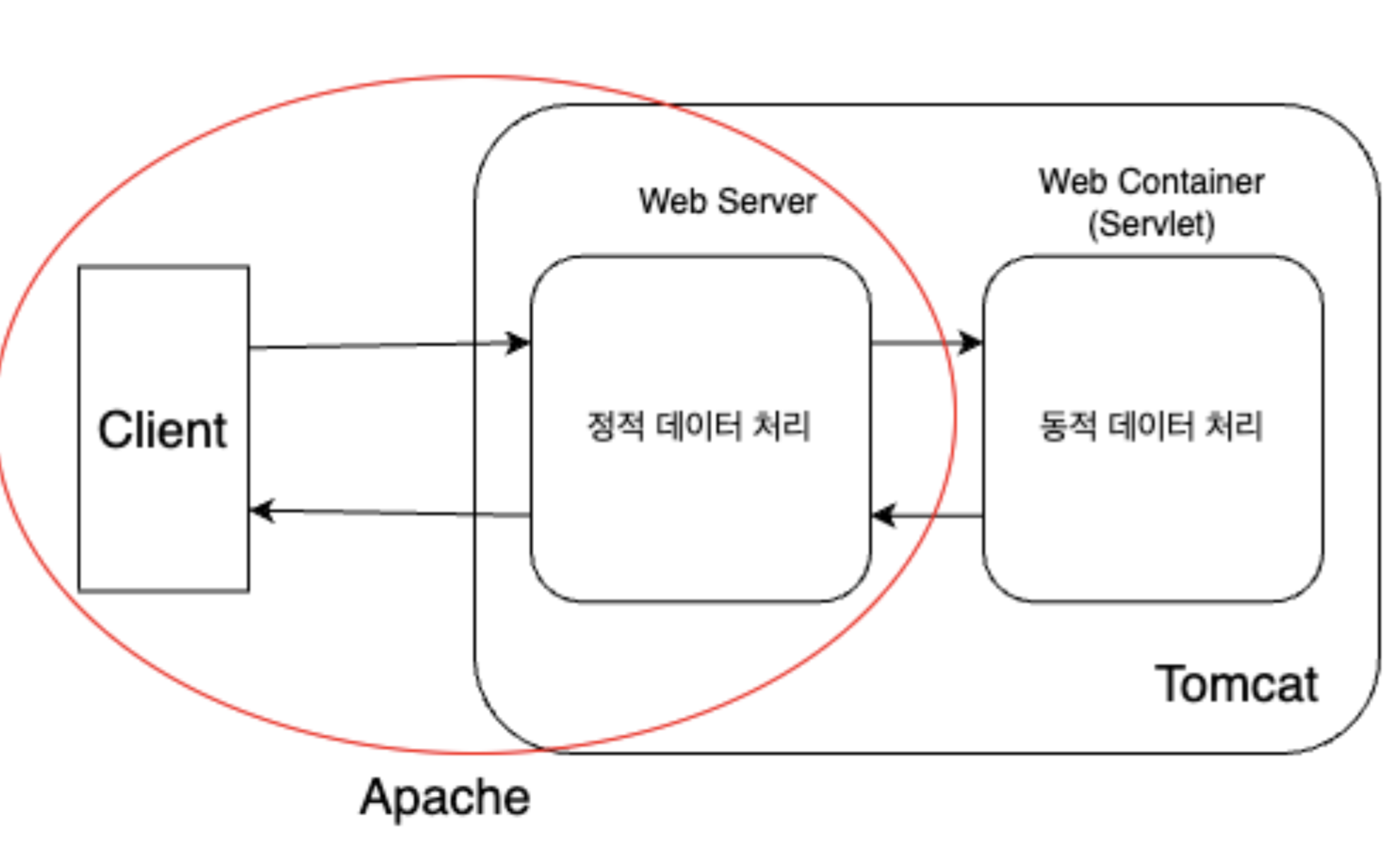
Apache Tomcat It is a combination of Apache and Tomcat and can efficiently process static and dynamic data. Tomcat Web container to create a web server capable of dynamic processing
Spring Framework Has core features such as AOP, IoC/DI, etc.
- However, many xml settings are required to use core functions. -> SpringBoot appears to improve inconvenience SpringBoot Use Java’s annotation-based configuration instead of traditional xml configuration
- There is no need to directly check the compatibility of each version between external libraries and frameworks.
- Built-in Apache Tomcat
- Setting the
starter-webdependency automatically provides built-in Apache Tomcat.
Postman A software platform that helps you implement API development quickly and easily
- API, that is, helps you easily send HTTP requests to the server and check the response according to the promise.
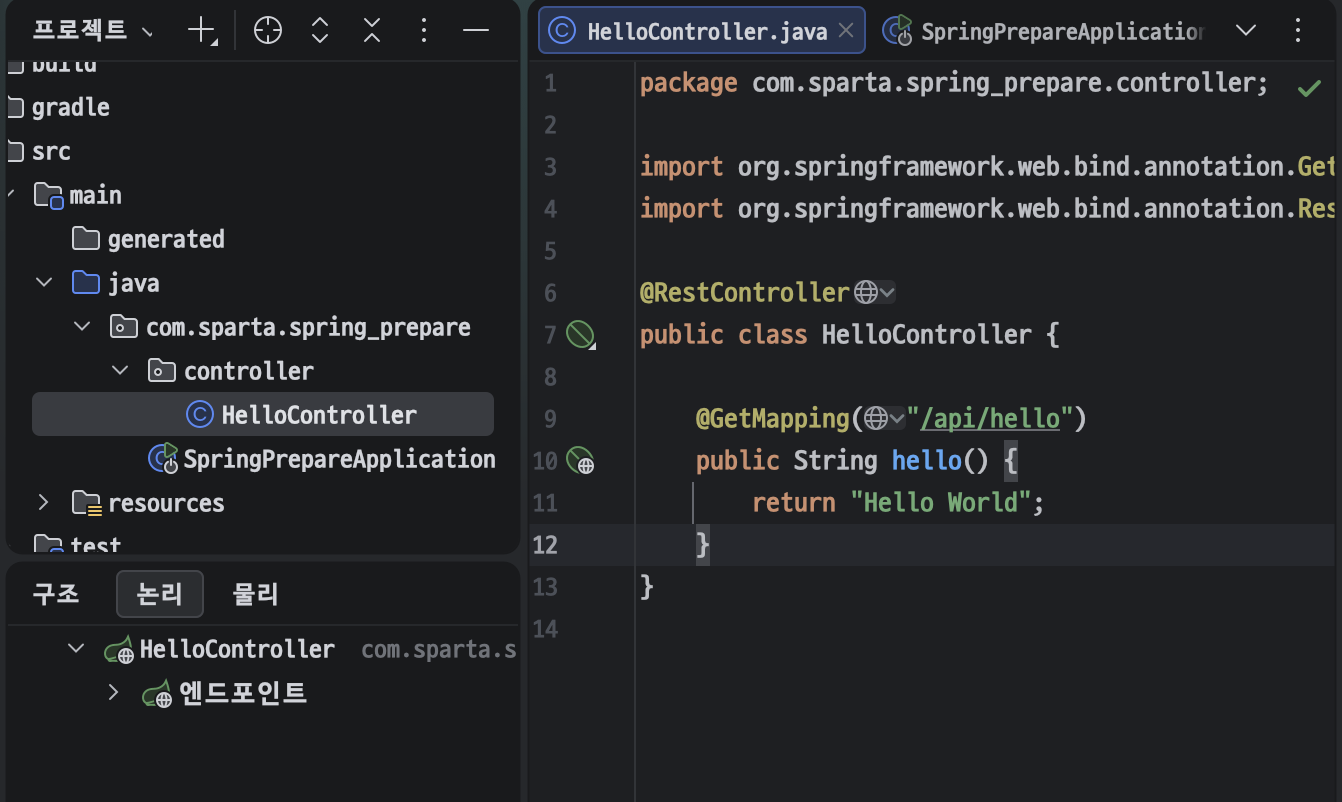 After creating a new controller | Run
 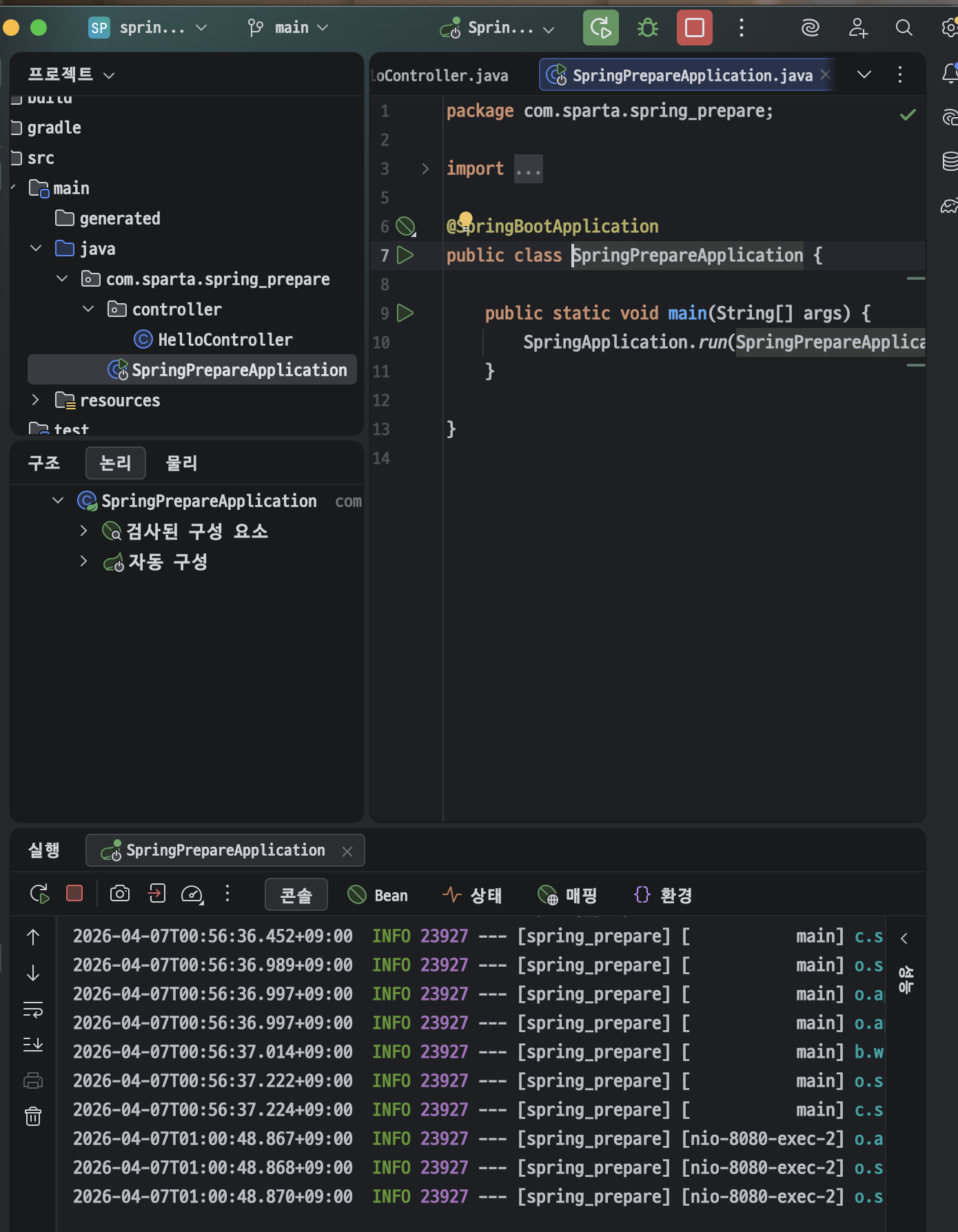 application (main) |
 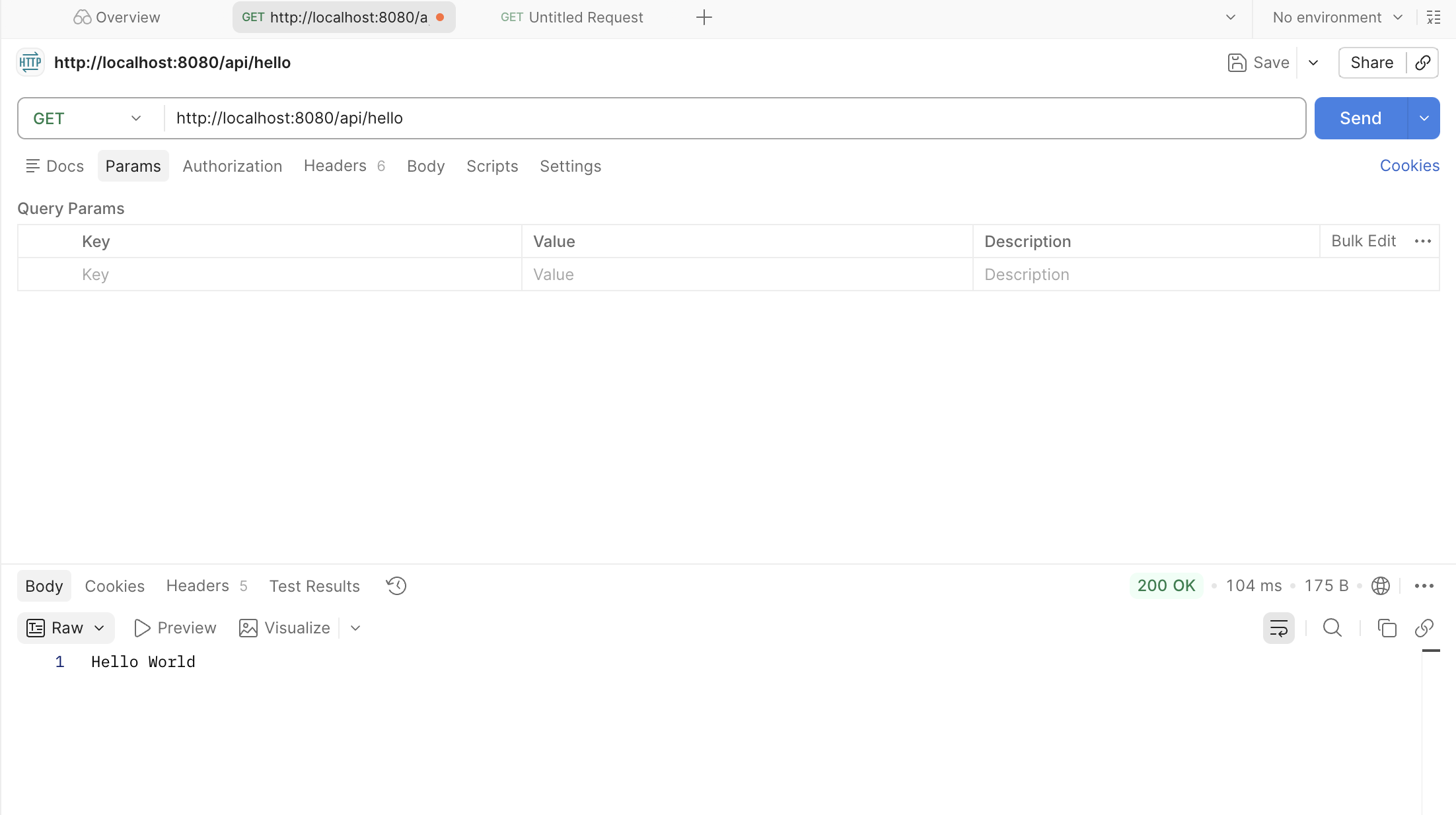 Available through Postman |
  Built-in Tomcat automatically runs the server on port 8080 —|—|—|—|
What is HTTP?
HTTP (HyperText Transfer Protocol) One of the “communication protocols” that define the format for sending and receiving data Communication protocol: A promise made when exchanging data between computers.
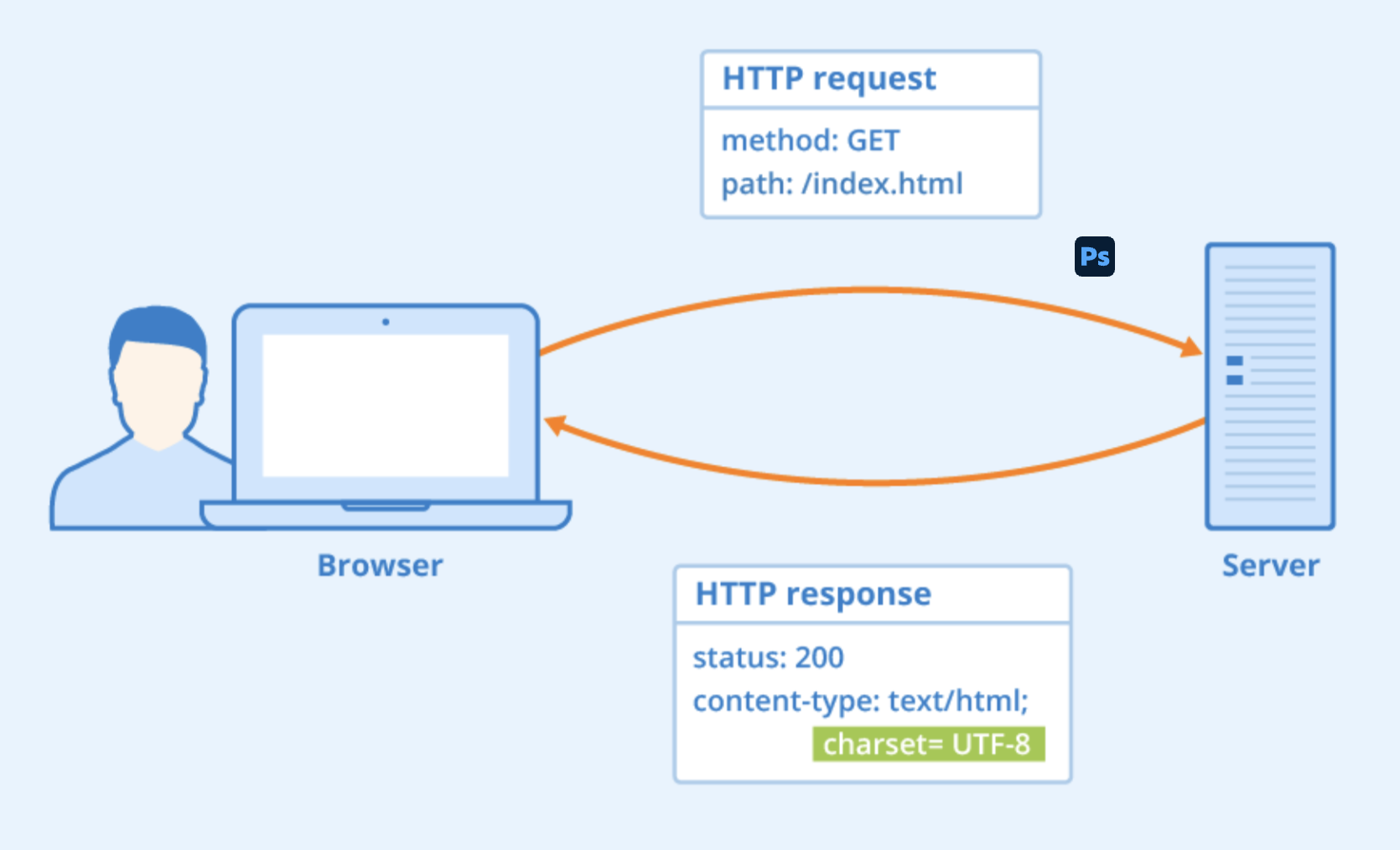
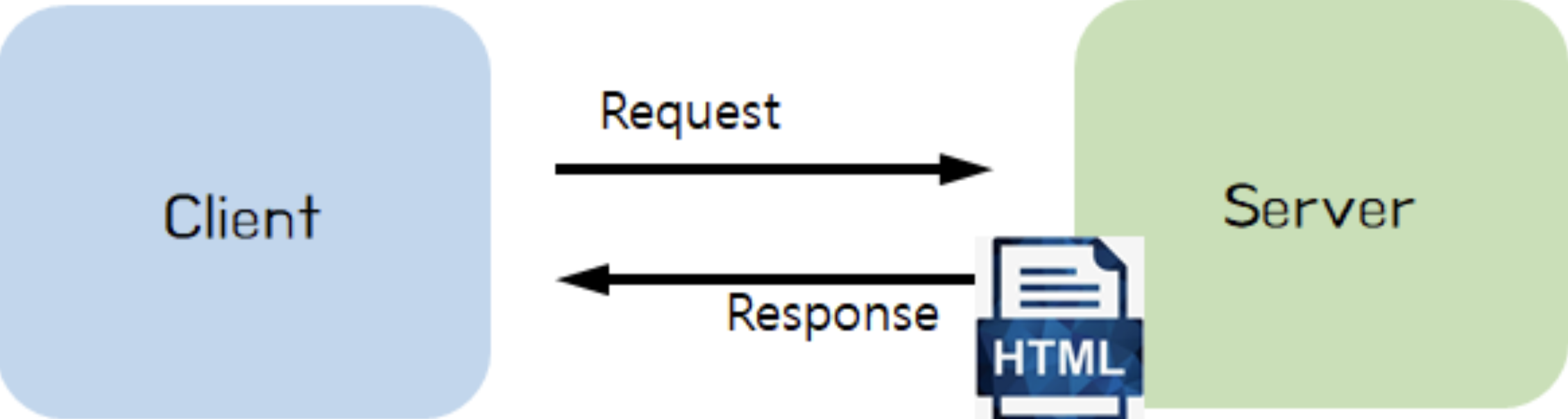
- In HTTP, the concepts of Request and** Response** always exist.
- The browser requests the server for the page it wants (information such as URL).
- The server checks whether there is a page that the browser wants, and if so, responds with data for that page. If not, it returns data for the page that does not exist.
- The browser draws on the browser based on the data received from the server.
- Developer Tools -> Network tab -> Header tab General, Request Header, Response Header
HTTP Status Code Status codes can express situations that may occur during the request and response process between the browser and server.
- Can be checked in General
- The first digit is used to indicate the classification of the status code.
- 1xx (Informational)
- 2xx (Successful)
- 3xx (Redirection)
- 4xx (Client Error)
- 5xx (Server Error)
- The remaining two digits indicate detailed information.
- Developer Tools -> Network Tab -> Response Tab
- Data to draw a web page returned from the server to the browser -> HTML format, drawn so that humans can understandComponents of HTTP
- Method (call/request method)
GET: Used to obtain certain resourcesPOST: Commonly used when posting data to a web server- There are several other request methods such as
DELETE.- Header (additional data, metadata)
- All data for expressing opinions is entered into the Header field and exchanged.
- What page the browser wants, whether the requested page was found, whether the requested data was successfully found, and in what format the data will be sent.
- Payload (data, actual data)
- Payload can be sent when the server and client (browser) make a response or request, except for the
GETmethod.
Problems & errors encountered while learning
- Definition of problems & errors It’s not a big deal, but I created a Git repository in the folder I created during practice, but IntelliJ couldn’t connect to it. Git was created simultaneously while creating the practice file.
- How to solve it Select VCS (Version Control) -> Version Control Integration -> Git
- Something new I learned Since IntelliJ (GUI) needs to know separately whether this project is managed by Git, I learned that a process of informing through VSC connection is necessary.
What to learn tomorrow
- Spring introductory course
- Algorithm problem 1
- Retrospective/Review